
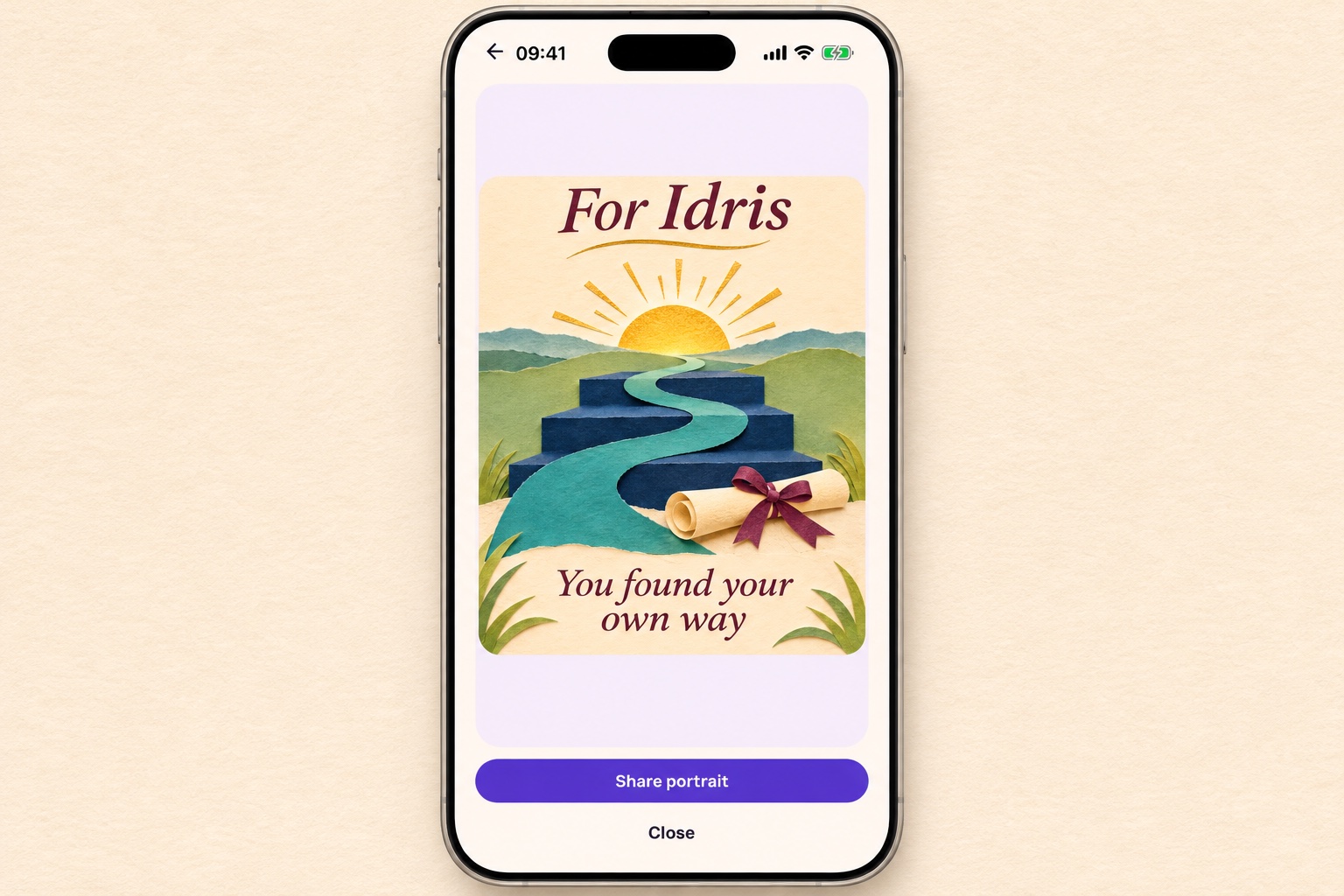
Let the achievement stand on its own
A graduation is already a completed piece of work. Your card does not need to attach a future salary, a job title, or another qualification to it. Congratulate him for what has happened.
If you want to mention a personal quality, anchor it to something you saw. The steady work, a thoughtful decision, or the courage to change direction gives your pride a clear reason.
Some graduates want an emotional message; others prefer a short one. Choose the form your son would recognize, and put any longer reflection in a private conversation or note.
Messages you can adapt
Make the wording sound like you
Use a detail that belongs to his experience rather than comparing him with siblings or friends. If a joke is part of your usual voice, keep it gentle and let the congratulations be clear.
Put it on a HoorayTime card
Open Graduation in HoorayTime, choose the appropriate level and add his name. Include his subject or graduation year as editable wording if you want it on the card. Next horizon offers an illustration without a reference photo. Graduate Spotlight requires an approved portrait photo. Get permission from a parent or guardian for a minor’s photo. New generation requires Pro, an available spark and internet.
Review the image and wording, then export or share the card manually from your phone.
Before you send it
Check his name, year and the official name of the qualification yourself. Ask his permission before posting the card publicly.