
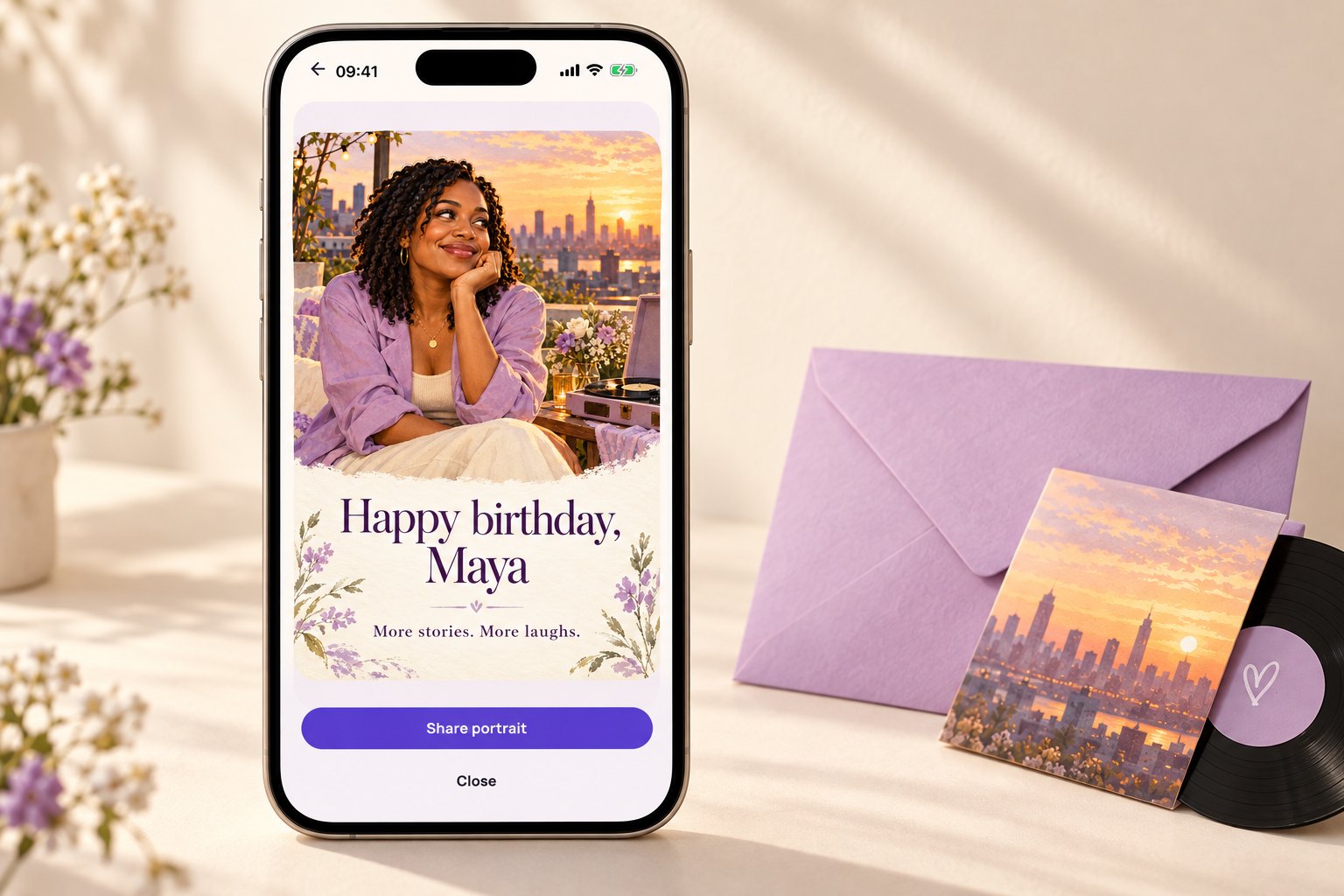
Let the shared history do some of the work
Sibling cards have a useful advantage: you already share a large collection of details. A childhood snack, a borrowed jacket, or a song you both know can make one short sentence feel personal.
Use the memory to show affection rather than to embarrass her. A private joke that is funny between you may feel different in a card she shares with friends. If the birthday is a big milestone, let her decide whether the number belongs in the image.
Do not write as though you are still the children in the story. Mention something you admire about her now, especially if your relationship has changed as adults.
Messages you can adapt
Make the wording sound like you
Add a present-day detail after the memory: her new hobby, a project she finished, or a plan you are looking forward to together. One recognizable detail is enough; the card does not need to explain your family history to everybody else.
Put it on a HoorayTime card
Use Birthday in HoorayTime and choose a style she would like, rather than the one you would choose for yourself. Enter her name, add your greeting, and review any age detail before generation. For a portrait, use a clear photo she is comfortable having used for generation.
New artwork generation needs Pro, an available spark, and internet access. In the editor, give a longer message enough space and move it away from the face if you are making a portrait. Adjust the font, color, or placement, then export the image and share it yourself; the app does not send it automatically.
Before you send it
Check whether the joke still feels affectionate when read without your voice. If you hesitate, keep the memory and remove the punchline. Review generated facial details before sharing.
Hiding editable text does not remove an age already embedded in the artwork.