
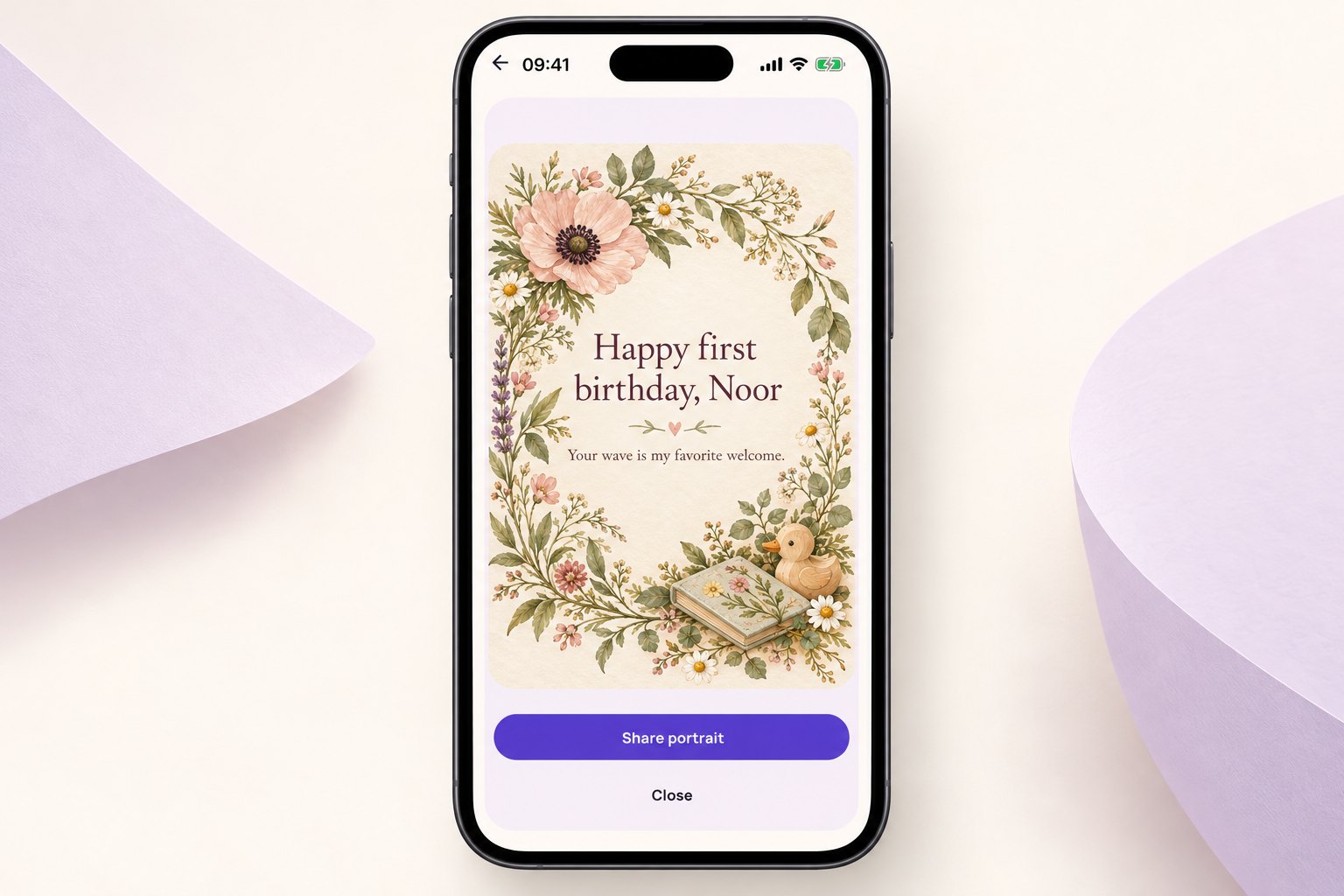
Write for two readers
You are writing something the child may read later, while the grown-ups will read it now. Address the little person by name and describe something you have enjoyed noticing: a laugh, a wave, or the way they recognize a familiar voice.
You can also acknowledge the grown-ups without making the whole greeting about parenting. A short line of thanks or affection can fit underneath the birthday wish.
Skip predictions about the child’s future personality or career. A keepsake can describe who they are at this moment without turning a one-year-old into a list of expectations.
Messages you can adapt
Make the wording sound like you
Keep the greeting to a few lines and put the longer memory in the message you send with it. Use the spelling the parents prefer, including any accent marks. If the card is for a family album, a month or year may be enough; a public image does not need a full birth date.
Put it on a HoorayTime card
Open Baby & family in HoorayTime and choose First birthday when the app asks for the moment. Enter the name the family uses and your own wording. An available illustrated style lets you make the card without uploading a child’s photo. If you choose a portrait style, use only a photo the parent or guardian approves for generation. New artwork requires Pro, an available spark and internet access.
Keep the greeting short enough to read clearly in the exported image. If you use a portrait, inspect the generated face carefully. Check the name and wording too, then adjust the text, font, color and placement. Hiding editable text does not remove lettering embedded in generated artwork. Export the image, save it to Photos or share it yourself through your device’s share menu. HoorayTime does not send the card automatically.
Before you send it
Do not include the child’s home address, daycare or nursery name, or full birth information in a shareable card. Ask the family before posting the image outside a private conversation.