
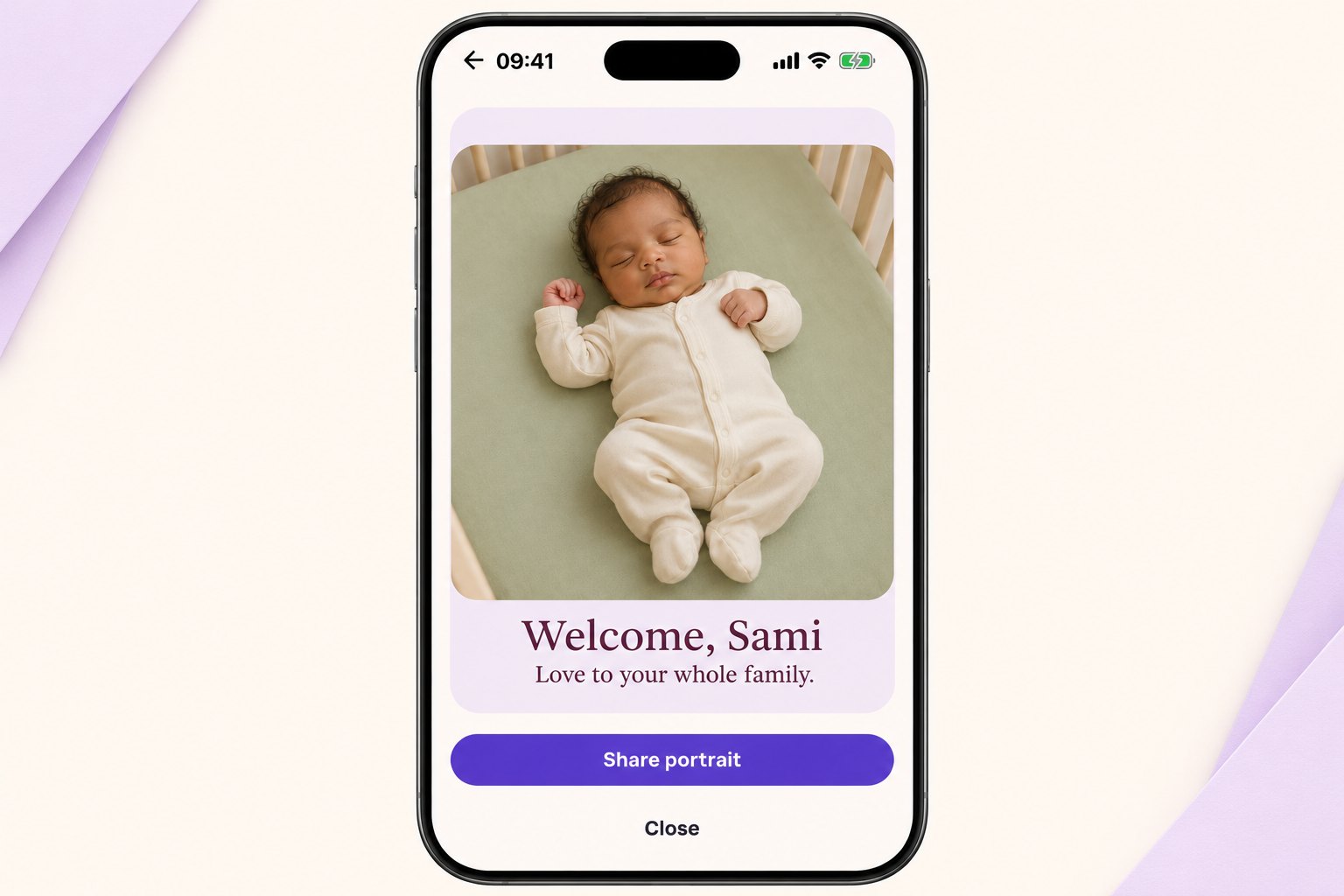
Offer warmth without making work for the parents
A new-baby message does not need a question at the end. “How are you? Send photos!” can create another task for people who may have very little time. A simple welcome and a no-pressure offer can be easier to receive.
Use only details the family has announced. A name, an arrival month, or a nickname may be enough. Avoid repeating medical information or birth details in an image that could be forwarded.
If circumstances are difficult, follow the family’s tone. You can be glad the baby is here without making claims about health or how everyone ought to feel.
Messages you can adapt
Make the wording sound like you
Address the message to the whole family if you are unsure who will read it. Keep an offer small and usable. If you are sending flowers or a gift separately, the card does not need to explain the entire package.
Put it on a HoorayTime card
In HoorayTime, open Baby & family and choose New arrival. Enter the baby or family name and add your chosen message. For a photo-based style, use a reference the parent or guardian has approved for generation. If you do not want to use a child’s photo, choose an available illustrated style. New artwork requires Pro, an available spark and internet access.
Review the generated face’s likeness and check the name and wording. Adjust the text, font, color and placement. Hiding editable text does not remove lettering embedded in generated artwork. Export the image, save it to Photos or share it yourself through your device’s share menu. HoorayTime does not send the card automatically.
Before you send it
The app can reinterpret facial details. Do not present the generated baby portrait as an untouched photograph. Ask the family before sharing it publicly, even if you have permission to use the reference for generation.