
Choose Back to school in HoorayTime to create a school-themed portrait or an available illustrated card. Add the requested details, choose or write an encouraging message, and generate with Pro. Edit the wording and export the image to keep or share.
Choose what the card should remember
The first day can mean a new class, a new school, or a fresh start. Decide which part matters most before writing the message. “New classroom, same brilliant you” celebrates confidence without requiring a long list of details.
For a child’s image, use a parent- or guardian-approved source photo. A public post does not need a school name, class number, timetable, or other identifying information.
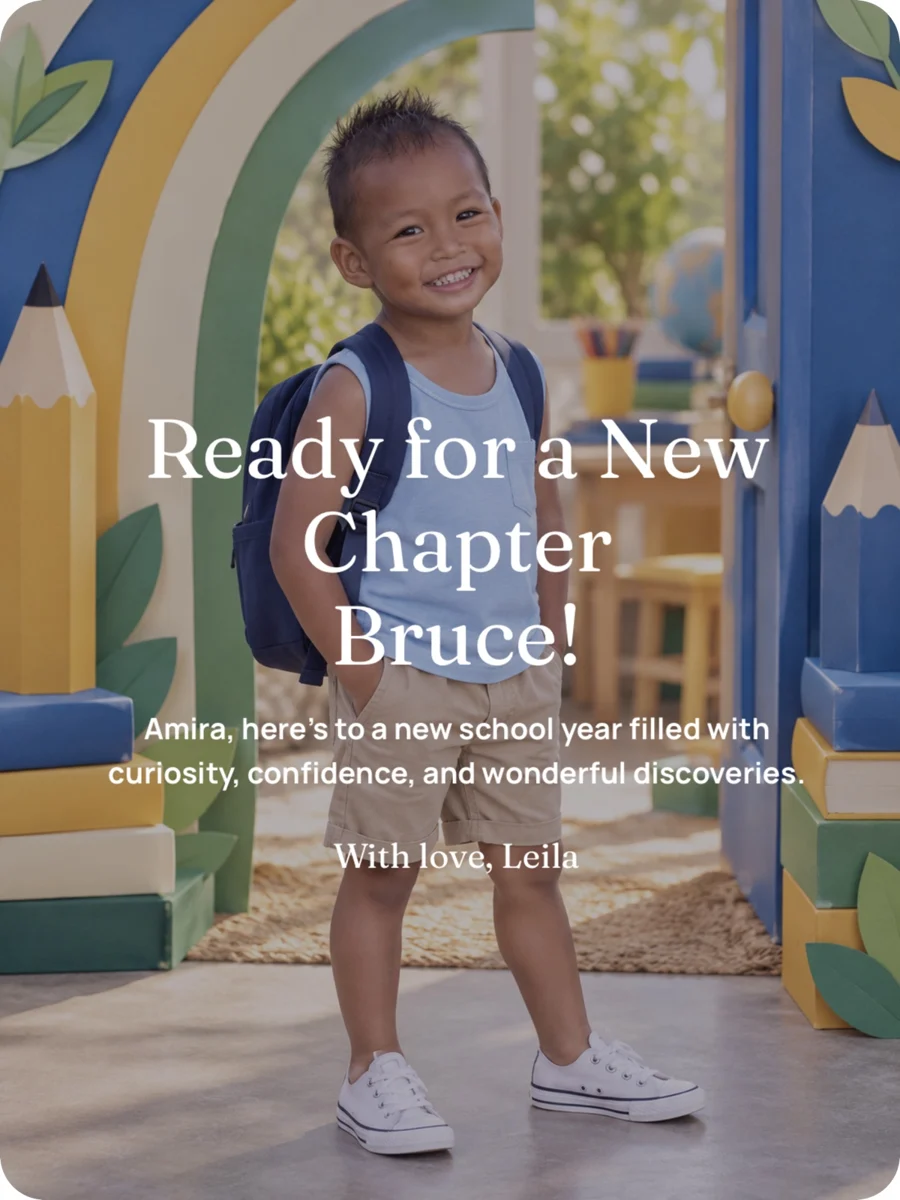
Keep the real first-day photo too
An AI school portrait makes a creative scene from a reference image. It is not a record of the uniform, classroom, or school the child actually attends. Save the original photograph separately if you want to remember the day exactly as it happened.
Check the generated face, clothing, and text before sharing. An illustrated card can be a useful alternative when you prefer not to upload a face.
Create the card in HoorayTime
- Open Back to school and choose a visual style.
- Select a source photo when the chosen style needs one.
- Add the name and requested school-milestone details.
- Choose a tone and personalize the greeting.
- Generate with Pro and an available spark, then edit the text or hide it for artwork only.
- Export and save the finished PNG.
Make space for encouragement
Try “Here’s to brave questions, kind friends, and discovering what you love.” For someone who feels nervous, “One day at a time. You don’t have to know everything on the first morning” may fit better than an overly confident slogan.
Save the date in HoorayTime’s calendar if you want a reminder to prepare the card. The app does not import school calendars or automatically know local term dates.
Make this moment personal.
Create with HoorayTime. New artwork requires Pro, an available spark, and an internet connection.
Get HoorayTime